Computer-Based IELTS Reading Practice
Read the passage and answer on the same screen, use highlighting and notes, and keep task controls close to the question.
Explore Reading Practice →
Use focused practice when the goal is improvement, timed mock tests when the goal is exam-condition performance, and connected review tools when the goal is to stop repeating the same mistakes.
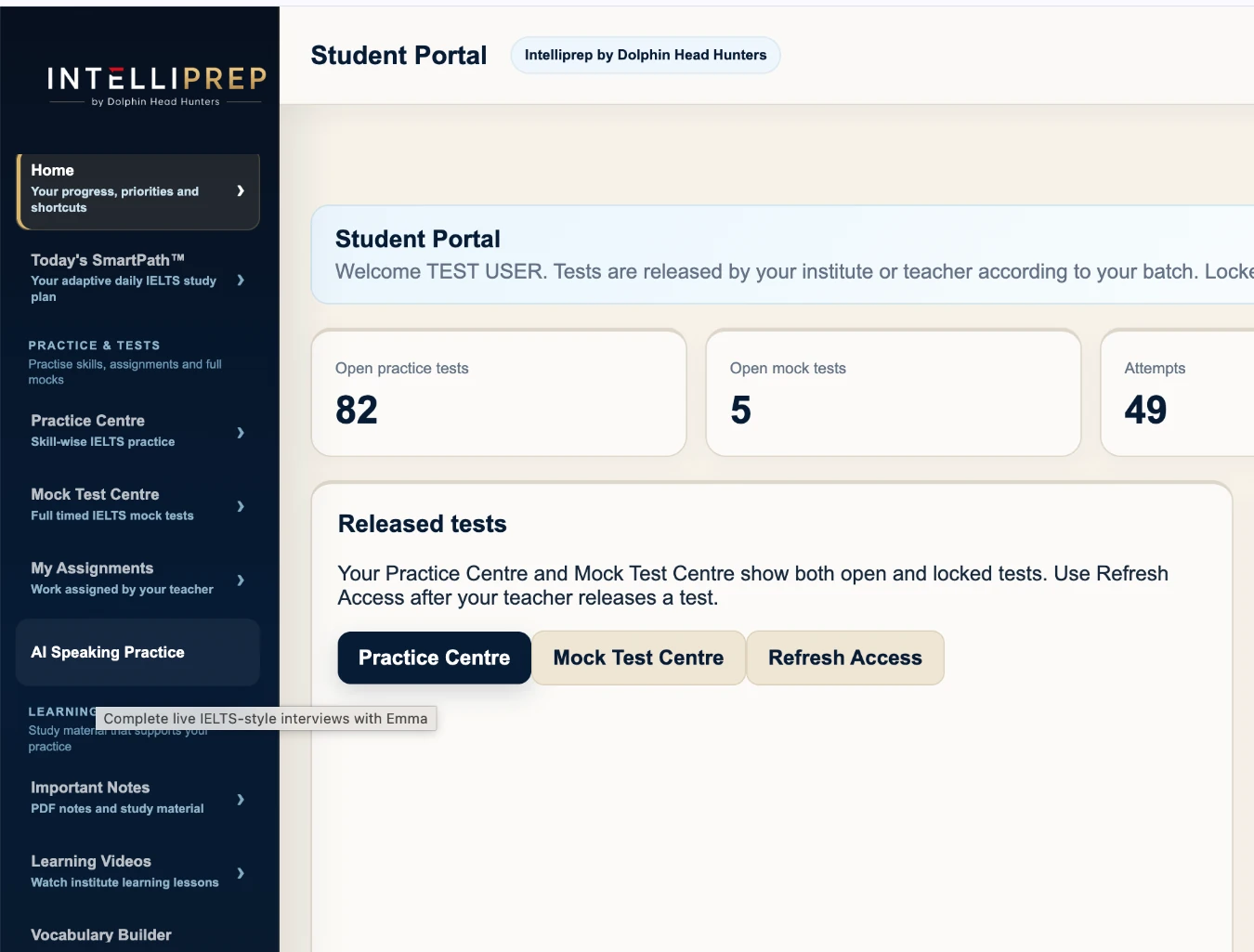
Practice Centre is for focused improvement. Mock Test Centre is for timing, navigation, stamina and exam-condition performance. Keeping them separate helps students avoid the common habit of taking full test after full test without repairing the underlying weakness.
The interface is designed for clarity while the learner is actively solving questions.
Read the passage and answer on the same screen, use highlighting and notes, and keep task controls close to the question.
Explore Reading Practice →The Notepad docks on the right and makes space for itself. Notes can be searched and revisited across the current Reading or Listening test.
Use a simple in-test selection menu. Noted text is marked clearly so important reasoning remains visible when the student returns to it.
Move through Listening parts with controlled playback, question navigation, review and support for the task structures used in the bank.
Explore Listening Practice →Academic and General Training are separated where the exam differs rather than being blended into one generic question library.
Practise common Academic Reading question families, evidence finding, navigation, timing and review in a computer-style workspace.
Explore Academic Practice →Practise the everyday, workplace and longer-reading progression expected in the General Training route.
Explore GT Practice →Use dedicated Academic Writing practice and mock tasks, with submission history and trainer evaluation where included.
Explore Writing Practice →Keep General Training Writing separate, including the letter task and route-specific practice.
Explore Writing Practice →Intelliprep keeps the attempt connected to a repair workflow instead of treating the final score as the end of the session.
Review the reasoning behind an incorrect response and identify the clue or method that needs to change.
Apply the corrected method immediately to related practice rather than only reading the answer.
Track repeated question-type weaknesses so future practice can respond to patterns instead of one result.
Emma provides structured IELTS Speaking practice, Ask Intelliprep AI supports IELTS questions and personalised guidance, Band Readiness provides a preparation signal, and SmartPath turns current evidence into a clearer daily direction.
Explore all features →Clear answers about Academic, General Training, computer practice and full mock tests.
IELTS practice software is a digital platform for skill practice, full mock tests, answer review and progress tracking. IntelliPrep combines those workflows for Academic and General Training preparation.
Yes. Academic and General Training are kept separate where Reading and Writing differ, while Listening and Speaking remain connected to the same learner record.
Practice Centre is for targeted improvement. Mock Test Centre is for timed full-test performance, navigation and stamina.
Yes. IntelliPrep supports all four skills, including Emma AI Speaking Practice and route-specific Writing practice.
Yes. Reading and Listening workflows are designed for screen-based practice with timers, navigation, answer controls, notes and review tools.
Yes. Institute workflows include student, teacher and administrator roles, batches, assignments, controlled test access, Writing review and performance reporting.
Compare student access or explore the institute version for multi-user IELTS preparation.